local-seo
Wrong Google hours turn customers away at your locked front door
When your Google Business profile lists the wrong opening hours, customers arrive to locked doors and buy elsewhere. Here is how to audit and fix it.
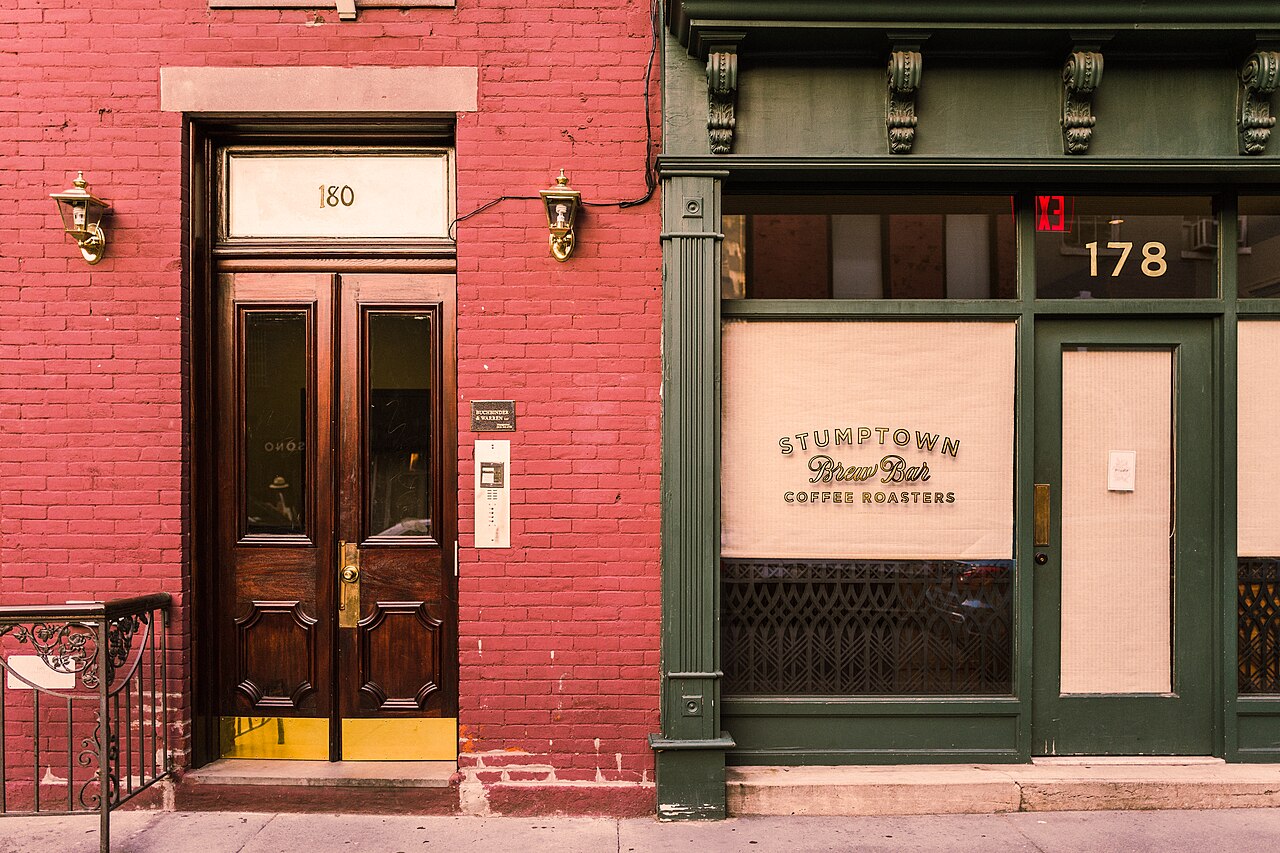
A customer drives across town on a Tuesday evening, parks outside your shop, and tugs on the door handle. The lights are off, the deadbolt is turned, and your Google Maps profile still says you are open until eight. Most do not return.
The visitor who arrives at a dark shop
BrightLocal surveyed consumers on local business listings in their Local Consumer Review Survey and Citation Research. The study showed that 62% of consumers avoid using a business if they find incorrect information online. In the same research series, 24% of respondents reported arriving at a physical storefront at the wrong time because the listed opening hours were incorrect.
When someone drives to your location and finds a locked door, they rarely return the following morning. BrightLocal found that 47% of consumers immediately look for an alternative business nearby when the one they intended to visit is closed.
The customer stands on your pavement, opens a mobile browser, and searches for a competitor three streets away. Your physical storefront spent electricity, rent, and staff wages to be ready for trade, but an outdated listing sent that customer directly to someone else.
In the same research, 80% of respondents stated that they lose trust in a local company when contact details or operating hours are inconsistent across the web. The damage does not stop with a single missed purchase. The customer assumes your operational standards are sloppy and deletes you from their routine.
Why Google changes your schedule without asking
Many business owners assume their Google profile changes only when they log in and edit the dashboard. That assumption is incorrect.
Google treats a local business listing as a dynamic consensus built from multiple data sources. The algorithm constantly checks third-party directories, state business registrations, user feedback, and social media pages to verify whether your information remains current. Major data aggregators like Data Axle and Neustar Localeze syndicate commercial records across thousands of websites. If an old directory profile from three years ago lists a five o'clock closing time, the search engine detects that contradiction.
If a passerby taps the suggest an edit button on Google Maps and claims your doors shut at five rather than six, Google registers the submission.
The platform sends an automated notification email to the account that claimed the profile. If you miss that message or leave it unread in a spam folder, Google assumes the public edit is accurate and updates your public hours automatically.
Nobody noticed.
An algorithm trusts third-party directories until an owner claims the profile.
The hidden cost of holiday hours
The problem multiplies during bank holidays, long weekends, and seasonal schedule shifts.
A garden centre, cafe, or coastal boutique often adjusts opening times between summer and winter. When autumn arrives, an owner might close the till an hour earlier each afternoon. If that change is announced on a chalkboard by the counter and on an Instagram story, but never submitted to Google Business Profile, evening visitors continue to arrive after lockup.
Google Maps highlights holiday opening hours with warning labels when an owner fails to confirm them in advance. A prospective customer who searches for a cafe or hardware store on a bank holiday sees an amber alert stating that holiday hours may differ.
Even when your doors are open, the amber warning creates hesitation. The customer assumes you might be closed and chooses a competitor that confirmed its holiday schedule three weeks earlier.
Think with Google research found that 88% of smartphone users who conduct a local search visit or call a store within 24 hours. The local searcher is ready to spend immediately. When your listing displays uncertain hours or outdated schedules, that immediate demand flows elsewhere.
How to audit your local listings
You do not need technical expertise or agency retainers to correct your hours. You can audit your profile from your phone or laptop in ten minutes.
Open your browser in a private window so your personal search history does not alter the results. Search for your business name and your town.
Check the business profile card on the right side of the desktop screen or at the top of mobile search results. Verify the daily schedule line by line against the hours posted on your physical front door. Pay particular attention to lunch breaks, weekend closing times, and bank holiday schedules.
Log into your Google Business Profile dashboard. Check the special hours tab. Google prompts you weeks ahead of upcoming national holidays. Confirm whether you will open, close early, or take the day off.
When you confirm your holiday schedule in the dashboard, Google replaces the amber warning text with a green confirmation badge. Prospective customers see that you actively confirmed your opening times, which removes hesitation before they start their journey.
The three places to clean up this week
Begin with your Google Business Profile, because that card captures the vast majority of local search clicks. Claim the listing if you have not done so already, and verify that the primary phone number dials directly to your front counter.
Next, check Apple Maps. Apple Maps powers searches on iPhones, CarPlay systems, and Siri voice queries. If your schedule differs between Apple and Google, motorists using in-car navigation receive conflicting advice and drive to competitor locations. You can claim and manage your Apple Maps listing through Apple Business Connect.
Finally, inspect your own website footer and contact page. Search crawlers compare the text on your website against third-party directory listings. When your website footer lists Monday to Saturday while your Google listing includes Sunday, the discrepancy confuses search algorithms and lowers your local visibility across your town.
A customer who drives to your address wants to buy what you sell. When your hours are accurate, they walk inside.
This is the kind of thing I fix.
Think this is happening on your site?
One hour on your business and your customers. No pitch. We work out where the business is losing customers online, and whether I am the right person to fix it.