restaurants
A PDF menu on a phone turns hungry diners away
Putting your restaurant menu in a PDF file forces diners on mobile phones to pinch and zoom. Most leave before reading. Here is how to fix it.
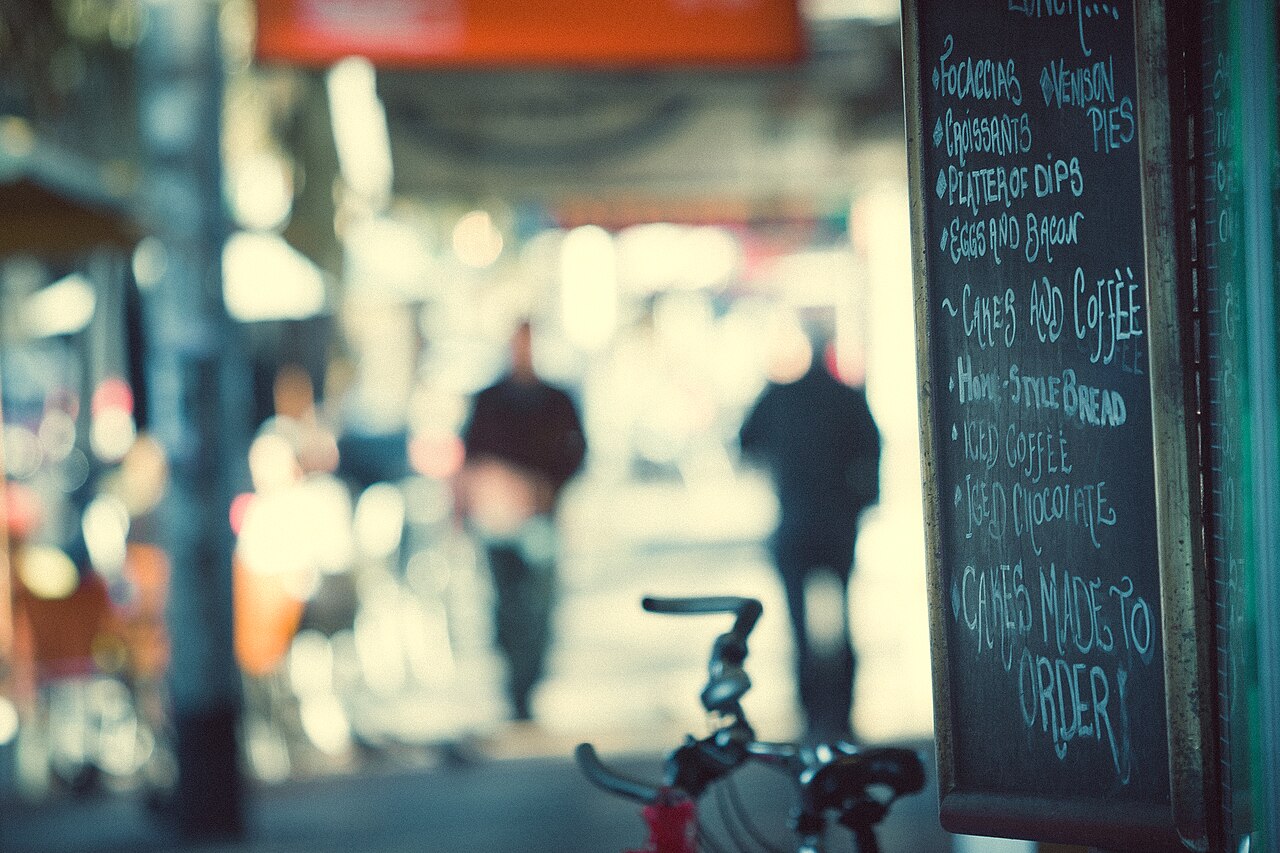
Someone stands on a pavement at seven in the evening, holding a phone with three percent battery. They search for dinner, tap your link, and wait while a twelve-megabyte file downloads into their storage folder. Most do not wait. They tap the back button and pick the bistro across the street.
Diners look at menus on the street
TouchBistro surveyed 1,500 diners in the United States for their 2024 American Diner Trends Report. The survey found that 85% of diners read a menu online before picking a new restaurant, and 80% look at the website itself.
Most of these visits do not happen on an office monitor at ten in the morning. They happen on a mobile browser on a street corner, over a weak mobile connection, while two people decide where to sit down.
The website has one primary job during those forty seconds. It has to show what you serve, what dishes cost, and whether a table is available. When that information is buried inside a download link, the transaction stops before it starts.
What happens when a phone opens a PDF file
Jakob Nielsen and Raluca Budiu at the Nielsen Norman Group documented the friction of portable document format files on mobile screens in their research on mobile usability. A PDF is built for print. It assumes a fixed sheet of paper, usually Letter or A4 size, with margins and columns designed for reading under good lighting.
A phone screen is roughly two and a half inches wide. When a customer taps a PDF link in a mobile browser, three distinct problems happen in sequence.
First, the browser often refuses to display the file inline. Mobile Safari and Chrome frequently hand the file to an external viewer or drop it silently into the device downloads folder. The diner sees a blank white screen, a tiny progress indicator, or a prompt asking where to save the document. Many assume the link is dead.
Second, if the document opens, the typography is unreadable. The user must pinch, zoom, and drag their thumb horizontally across columns to read the description of an appetizer. Every time they want to compare two dishes, they must zoom out, scroll down, and zoom in again. Reading a column of text formatted for an eleven-inch printed page on an iPhone display requires continuous lateral scrolling.
Third, the file size is bloated. Graphic designers prepare menus for high-resolution commercial printing. They export files with embedded fonts and uncompressed imagery. A menu that should weigh fifty kilobytes as text arrives as a sixteen-megabyte payload.
Google research published by Daniel An found that 53% of mobile visits are abandoned if a page takes longer than three seconds to load. A sixteen-megabyte PDF on a congested cellular network takes five to ten seconds to load. Half of the people who wanted to read your specials leave before the first line renders.
A PDF assumes a sheet of paper, but your customer is holding a phone.
Search engines cannot read a flattened file
When a customer searches for gluten-free pasta or wood-fired pizza in your neighborhood, Google indexes the words on your website. Search engines parse HTML text, understand dish names, and surface them in local search results.
When your menu lives inside an uploaded PDF, search engines treat the content as an attachment. Crawlers cannot reliably connect individual dishes to search queries with the same precision as native page text. A photograph of a menu board is worse: to a search index, an image of grilled salmon with asparagus is only an anonymous rectangle of pixels.
The customer who searches for a specific dish gets directed to a third-party delivery marketplace or to a competing dining room down the road. The third-party platform takes thirty percent of the order, or the customer visits someone else entirely.
Nobody checked.
How to turn your menu into live text
You do not need a full website rebuild to resolve this problem. You only need to replace the download button with native text on the page itself.
Open your website editor. Type the category headings as standard sentence-case headers. List each dish, the ingredients, and what it costs as plain paragraph text.
If you want to offer a printable version for customers planning a private banquet from a laptop, place a text link at the very bottom of the page. Label it clearly as a printable download. The primary menu on the screen must live directly in the page code so that a mobile browser can reflow the lines to match the screen width.
When your menu is written as live text, three immediate improvements follow. A customer with visual impairment can enlarge the font size without breaking the page layout. A customer who speaks another language can translate the dish descriptions using built-in browser tools. Search crawlers can index every ingredient for local queries.
The three checks to run this afternoon
You can diagnose your own menu in five minutes.
First, turn off Wi-Fi on your phone and load your website over cellular data. Tap the menu link. If your phone asks permission to download a file or displays a loading bar, your mobile experience is turning away diners every evening.
Second, view the page without zooming. If you must pinch the screen to read an ingredient list, the layout is broken for mobile reading.
Third, select a word on the menu with your thumb. If the phone selects the whole image or cannot highlight the text, your menu is an image rather than text.
A customer on the pavement gives a restaurant website five seconds. When the menu appears instantly as clear text, they walk inside.
This is the kind of thing I fix.
Think this is happening on your site?
One hour on your business and your customers. No pitch. We work out where the business is losing customers online, and whether I am the right person to fix it.